Why your restaurant is invisible on Google Maps
When a visitor searches for a restaurant near me in Bodrum, why don't you show up? Concrete steps to fix your Google Business Profile before summer.
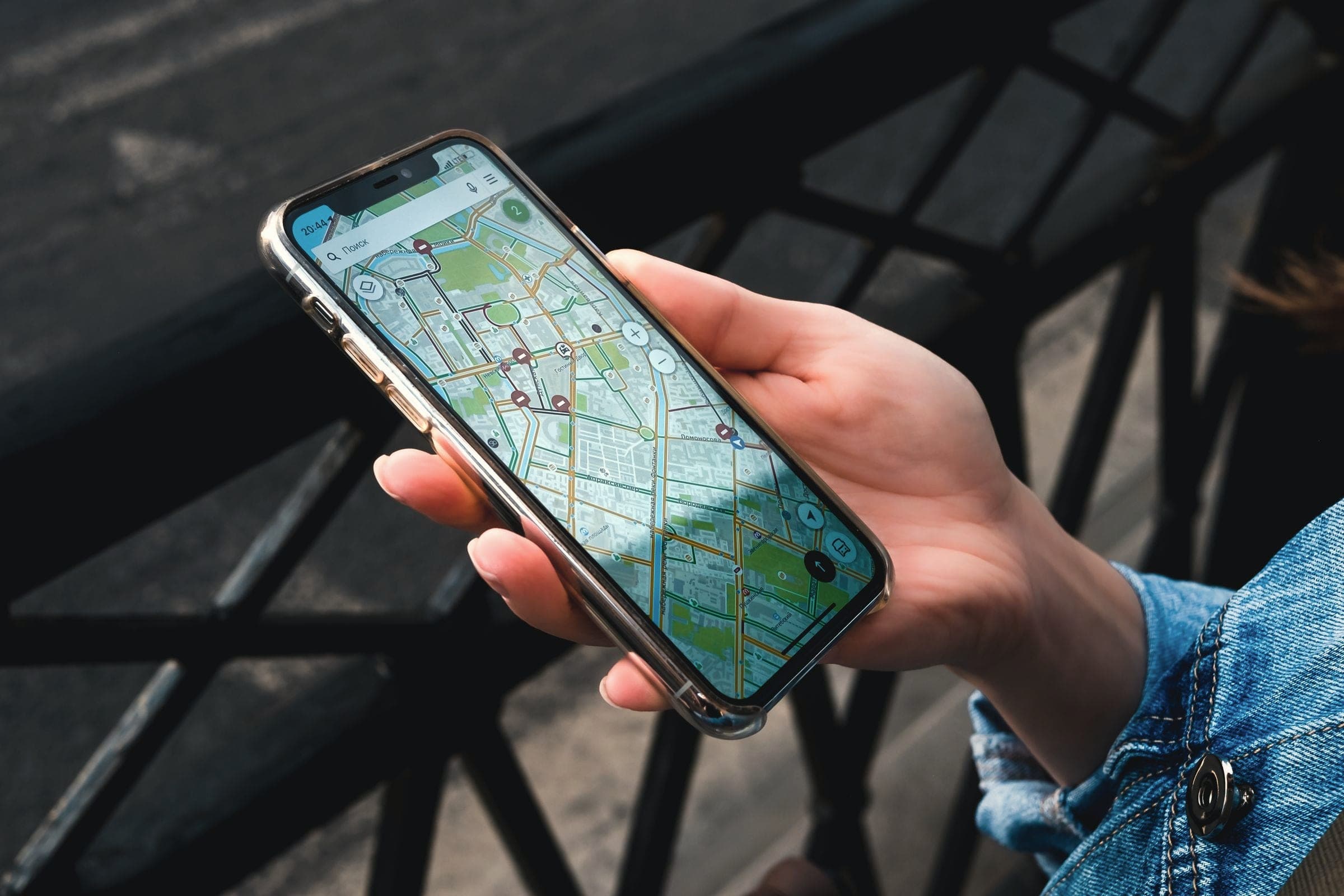
Seven in the evening in Türkbükü. A couple walks out of their hotel, opens Google Maps and types "seafood restaurant near me". A map appears with a handful of red pins. Your restaurant is a ten-minute walk away and your menu is exactly what they want, but you are not on the list. They walk to the first place they see.
That scene plays out every summer evening across the peninsula. For a first-time visitor, Google Maps is the easiest way to choose where to eat, and not being there is like running a shop with no sign over the door. The good news is that the reasons are usually technical and fixable. Here are the most common ones, and what to do about each.
How Google decides who to show
Google explains on its own help page that local results are ranked on three things: relevance, distance and prominence.
- Relevance is how well your profile matches the search. Your category, description, menu and photos carry most of the weight.
- Distance is how far you are from the person searching. You cannot change that, but you can make sure your pin sits in the right place.
- Prominence is how well known you are. Google says more reviews and positive ratings can help your local ranking.
Every problem below weakens at least one of these three.
Reason 1: The profile is unclaimed or unverified
Plenty of Bodrum restaurants have a Google listing that the owner never created. A guest added it years ago, a former manager set it up and left, or the previous tenant still holds the login. On an unclaimed profile you cannot edit details, add photos or answer reviews; Google states that you must verify your business before you can reply to reviews.
Search for your restaurant on Google Maps. If you see an "Own this business?" link, the profile is unclaimed. Start verification now; it can take several days, which is not what you want in the first week of June.
Reason 2: The category is wrong or too broad
Your primary category is one of the strongest relevance signals. A place listed simply as "Restaurant" is less likely to appear for someone searching "fish restaurant" or "meyhane". Choose the most specific primary category that is true, then add secondary categories for what you genuinely offer. If you turn into a cocktail bar after ten, say so. Do not add things you do not do; disappointed guests write reviews.
Resist the temptation to stuff keywords into your business name, too. "Deniz Restaurant Bodrum Seafood Meze Sunset" may look clever, but Google's guidelines for representing your business say unnecessary information in the name is not permitted and can lead to suspension. Keep the name as it is on your sign, and use the description field to explain your cuisine, your view and which bay you sit on.
Reason 3: Wrong pin, missing details, stale hours
In Bodrum's narrow lanes and coves, map pins drift by a few hundred metres more often than you would expect. On the Gümüşlük or Bitez waterfront a pin can end up in the sea or on top of the neighbour. Zoom in and move yours onto your actual entrance.
Then check every field: phone, website, menu link, price range, how to book. Seasonal hours matter most. If you are closed in November but Google says "Open", the guest standing outside a locked door remembers it when they write a review.
Finally, check consistency. If your name, address and phone number read one way on Google, another on your website and something else again on Instagram and TripAdvisor, both guests and search engines get confused. Line them up once over the winter.
Reason 4: Few, old or unanswered reviews
Reviews shape both prominence and the guest's decision. Many owners feel awkward asking, but a gentle reminder to a happy table is perfectly normal; a small card with the bill or a QR code on the table takes people straight to the review form. Never offer a discount or a free drink in exchange. Google's contributed content policy prohibits incentives for reviews, and those reviews get removed.
Reply to everything. A short, personal thank-you is enough for positive reviews. For critical ones, skip the defence: acknowledge what happened, say what you will change, and offer a direct way to talk. If the review is in English, German or Russian, reply in that language.
Reason 5: Thin photos and no menu
When two restaurants appear side by side, guests decide on photos. A few blurry shots uploaded by visitors lose to a profile with your terrace at sunset, the plates, the entrance and the dining room. Add your menu as well, with at least English names and prices. During the season, short Google updates such as the catch of the day or a live music night show that you are open and paying attention.
The Google Maps checklist
Set aside one afternoon and work through this:
- I searched for my restaurant and confirmed I own the profile.
- My primary category is as specific as it can honestly be.
- My pin sits exactly on my entrance.
- Phone, website, menu link and booking method are current.
- Summer hours, winter hours and seasonal closures are correct.
- Every recent review has a reply, in the reviewer's language.
- I have a polite, incentive-free way to ask happy guests for a review.
- I uploaded fresh photos of the terrace, food, entrance and interior.
- My menu is on the profile in Turkish and English.
- A monthly reminder is in my calendar to check suggested edits.
A Google profile is never really finished. Reviews arrive, hours change, menus move on. An hour of steady attention each month shows up at your tables every evening of the season.
If you would like to look at your restaurant's Google presence together, we can go through your profile on a free discovery call and talk about where to start. There is no pressure to decide anything.
NEXT STEPLet’s look at your business together